The recipe is spread out.
Amounts are in the caption, steps are in the voiceover, and a key detail flashes on screen for a second.
Saving a recipe video in the app where you found it takes one tap. Finding it again, and cooking from it, is the hard part. Here’s how to get recipes out of your feed and into one place you can actually cook from.
Amounts are in the caption, steps are in the voiceover, and a key detail flashes on screen for a second.
Each app keeps its own saved list, sorted by when you saved something, not by what you want to cook tonight.
Pausing and rewinding with messy hands is nobody’s favorite part of making dinner.
You’ll need Cuisy on your phone and an internet connection for the import.
Get Cuisy free on Google Play. The iPhone app is coming soon to the App Store.
Open the video, tap its Share button and choose Copy link.
If Cuisy appears in your phone’s share menu, you can share the video to Cuisy directly instead.
In Cuisy, tap the chef button in the middle of the tab bar and choose Video. Paste the link (if you just copied it, Cuisy can paste it for you) and tap Extract.
Cuisy writes out the ingredients with amounts and the steps in order, using what’s said in the video, text on screen and the caption. Compare it with the video, because AI can misread a quantity or miss a step.
The recipe is saved to your library with a link back to the original video. Adjust servings, add missing ingredients to your shopping list and follow along in Cook Mode.
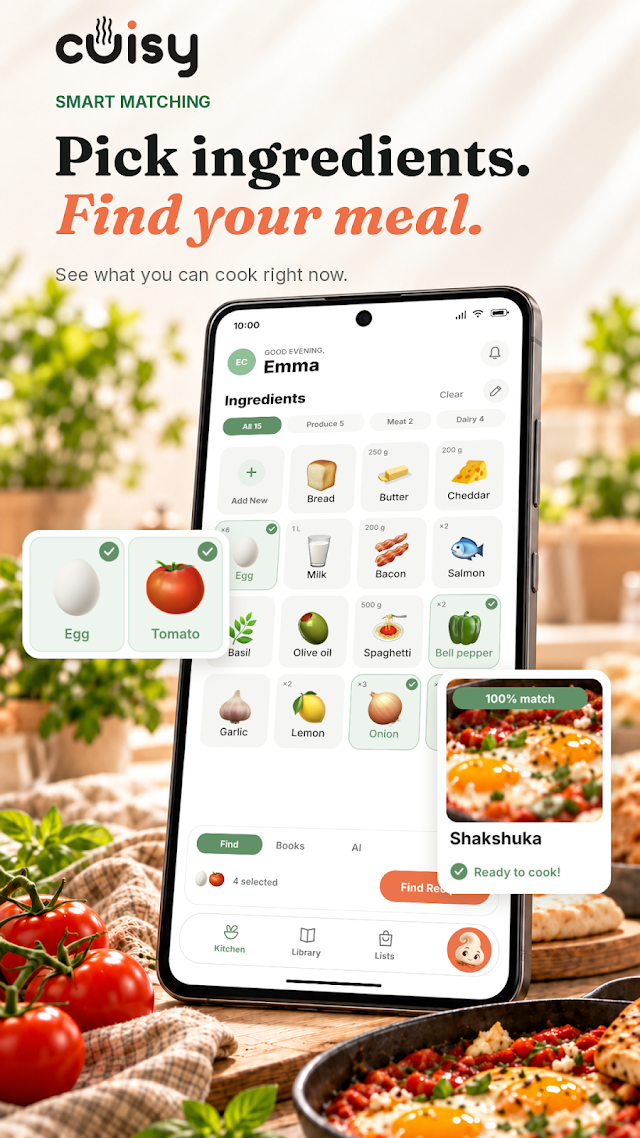
Recipes from every app end up in one library on your device, ready when you are.
Imports work best when the ingredients and steps are said aloud, shown on screen or listed in the caption.
Copy the link to the single video or post, not to a profile, playlist or search page.
Cuisy Free includes 3 video imports a month. Premium raises the allowance, and the current limits are shown in the app.
Cuisy doesn’t ask you to sign in to TikTok, Instagram or YouTube. You only need the link to a public video.
Cuisy is available on Android through Google Play today. The iPhone app is coming soon to the App Store.
Yes. Saved recipes, your fridge and your shopping list work offline. Importing a new video needs an internet connection.
Premium adds a higher video import allowance, PDF cookbook imports with private AI search, AI recipe ideas, camera ingredient scans and cross-device sync. Plans and prices are shown in the app.
Bring a little more possibility to your kitchen.

 Coming soon on the App Store