TikTok
Video links, including the short links the TikTok app gives you when you tap Copy link.
Cooking videos are great for inspiration and hard to cook from. Cuisy turns a TikTok, Instagram or YouTube cooking video into a written recipe with ingredients and steps, so you can stop pausing and rewinding and start cooking.
 Coming soon on the App Store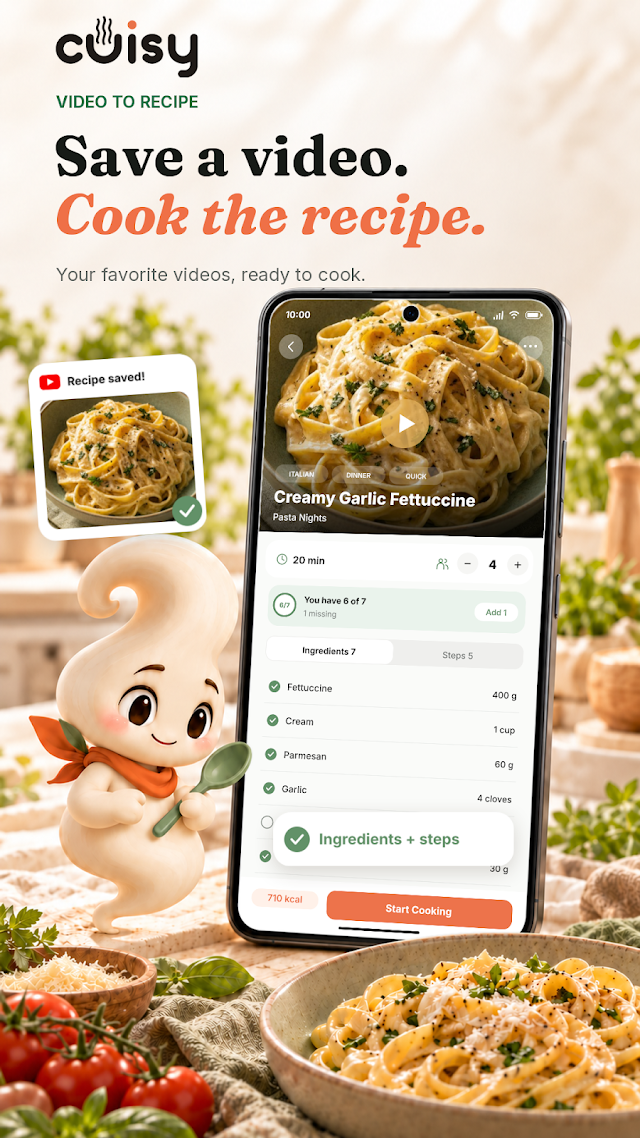
Cuisy works from what the creator shares: what’s said in the video, text shown on screen, and the post’s caption, where many creators list their ingredients.
Importing needs an internet connection. Once saved, the recipe stays in your library on your device.
In TikTok, Instagram or YouTube, tap Share on the video and choose Copy link. If Cuisy appears in your phone’s share menu, you can share the video to Cuisy directly instead.
Open Cuisy, tap the chef button in the middle of the tab bar and choose Video. Paste the link (if you just copied it, Cuisy can paste it for you) and tap Extract.
The video is processed in the background, so you can keep using the app. With notifications on, Cuisy lets you know when the recipe is ready.
Compare the amounts and steps with the video before you start: AI can misread a quantity or miss a step. Then adjust servings, add missing ingredients to your shopping list, or open Cook Mode.
Want the full walkthrough for each app? Read how to save recipes from TikTok, Instagram and YouTube.
Use the link to a single public video. Cuisy doesn’t ask you to sign in to these apps.
Video links, including the short links the TikTok app gives you when you tap Copy link.
Reels and posts with a cooking video. Copy the link to the post itself, not to the creator’s profile.
Regular videos and Shorts, including youtu.be share links.
Video imports work with TikTok, Instagram and YouTube links. With Premium, you can also bring in recipes from your own PDF cookbooks.
Turn three cooking videos into recipes each month, with your recipe library, fridge matching, shopping list and Cook Mode included.
Import more videos, bring in PDF cookbooks, get AI recipe ideas and sync across devices. Current limits and prices are shown in the app.
TikTok, Instagram (Reels and video posts) and YouTube (videos and Shorts). Copy the link to the video and paste it into Cuisy.
Cuisy can only write down what the video, its on-screen text or its caption actually contain. If an amount is missing or unclear, check the original video and adjust as you cook.
Yes. Cuisy Free includes 3 video imports each month. Premium raises the allowance, and the current limits are shown in the app.
Importing a video needs a connection. Once a recipe is saved, you can open it, match it to your fridge and cook from it offline.
An unsupported or private link, a video without a recipe, a temporary network issue, or a reached limit can stop an import. Check the link and your connection, then try again. If it keeps happening, email support@getcuisy.com with the link.
Bring a little more possibility to your kitchen.
 Coming soon on the App Store